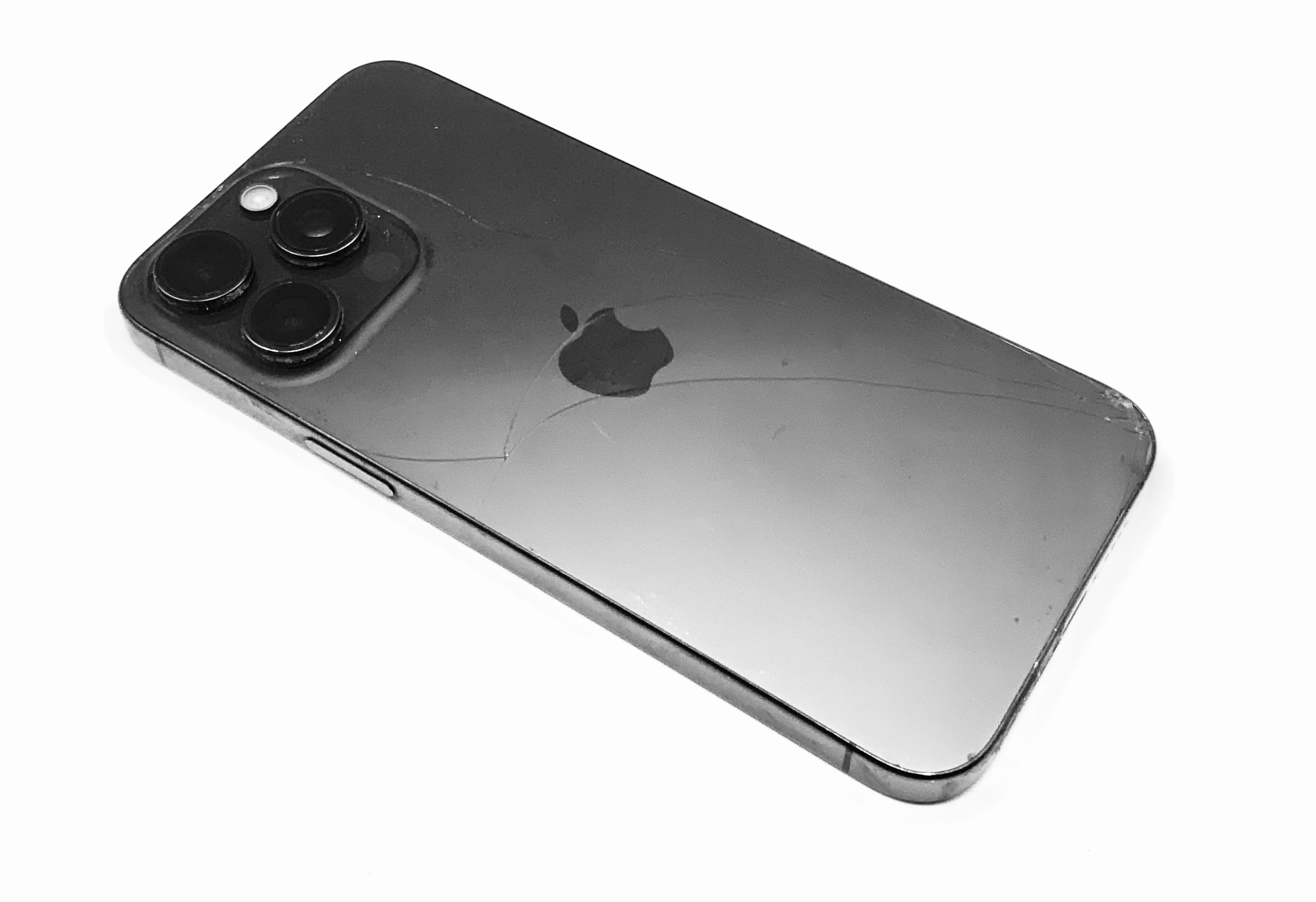
Tiny Township: Cracked Back Glass in Winter Is a Different Kind of Stupid
Tiny Township winter is brutal on phones, especially if your back glass is cracked. Cold…

Let’s clear up a very common myth right away.
Yes, people say you can use an Apple Watch without an iPhone.
No, it does not work the way most Android users think it will.
If you’re hoping to pair an Apple Watch with Android and live happily ever after, you’re about to run headfirst into Apple’s ecosystem walls. Here’s why.
Every Apple Watch must be set up using an iPhone.
There is:
Before the watch does anything, it requires:
Without that first pairing, the watch is essentially a fancy bracelet that tells time.
This is where most Android users hit Google in a panic… and realize the setup step alone already disqualifies them.
After initial setup with an iPhone, some features can technically function without staying connected to one.
But the list is short — and shrinking.
In other words, the Apple Watch becomes frozen in time the moment it’s disconnected from iOS.
A cellular Apple Watch does not mean “no phone required.”
LTE still:
Even when LTE does work, it only gives you:
It does not magically give you Android notifications, Google services, or app freedom.
Most Android users pay extra every month and still end up disappointed.
We see the same story repeat.
Someone buys an Apple Watch because:
Then reality kicks in.
They realize:
At that point, people usually:
None of those were the plan.
The Apple Watch is not designed to be standalone.
It is designed to extend an iPhone.
That’s intentional.
Apple Watch works best when:
If you’re on Android, you’re forcing a square peg into a locked door.
Here’s the honest breakdown:
If you:
👉 An Apple Watch will frustrate you.
If you:
👉 It can technically work — but it’s still compromised.
A surprising number of Apple Watch issues actually start with the phone itself — failed updates, pairing problems, broken iPhones, or setup errors.
If your iPhone is part of the equation, our iPhone repair hub breaks down common problems and realistic fixes.
And if you’re stuck deciding whether something is even worth fixing (or worth attempting at all), you can contact us here for straight answers — no pressure, no upsell.
Using an Apple Watch without an iPhone isn’t impossible.
It’s just far more limited, expensive, and frustrating than most people expect — especially for Android users.
Knowing that before you spend the money is the smartest move you can make.