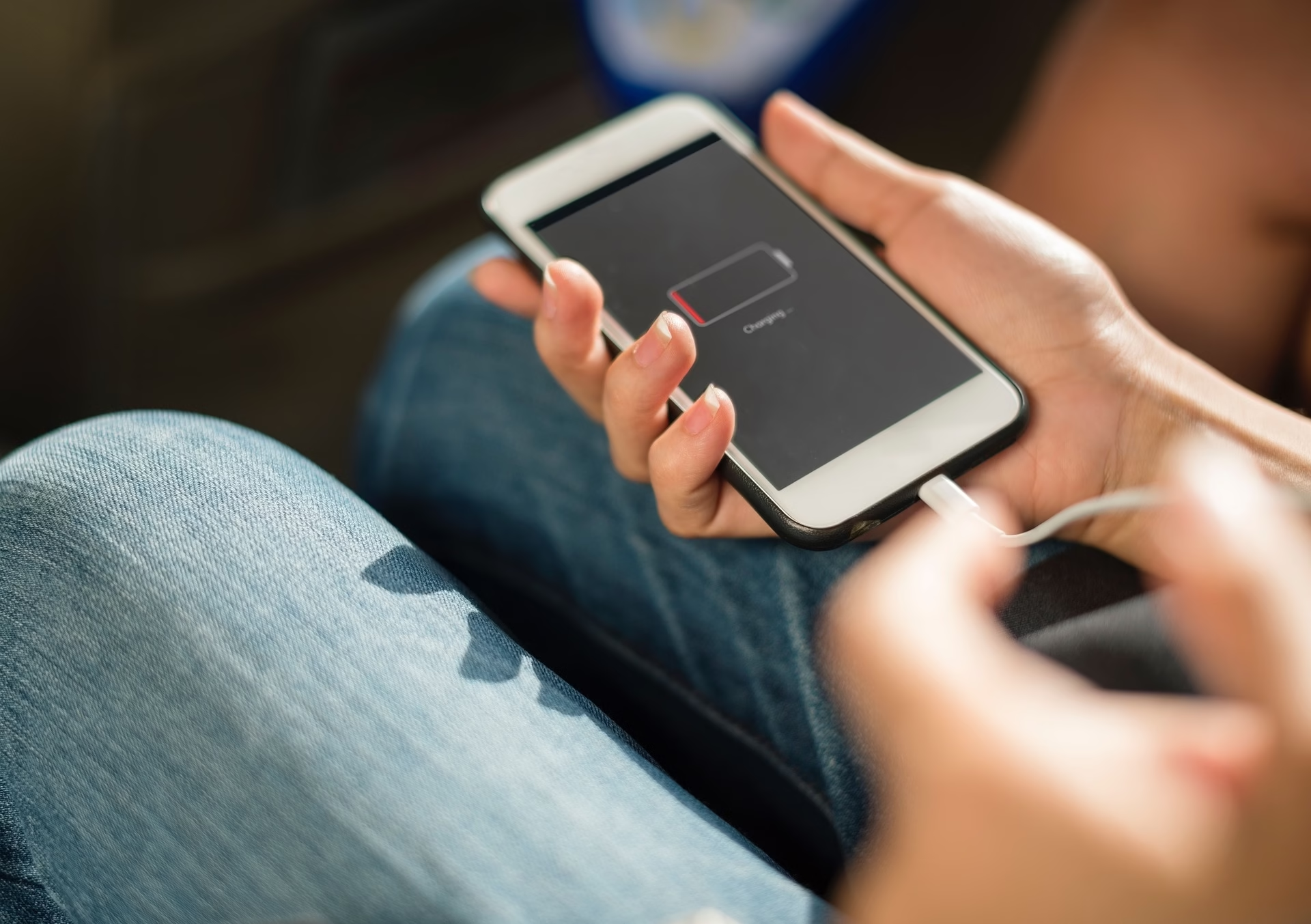
Charging Port vs Battery: The 2-Minute Test That Saves You From Guess-Repairs
If your phone won’t charge, don’t play repair roulette. In two minutes you can usually…

Your iPad won’t charge.
You plug it in. Nothing.
No lightning bolt. No sound. No hope.
You try a different cable. Still nothing.
You try a different wall adapter. Nothing.
You move to a different outlet like maybe the house betrayed you.
If you’re in Shanty Bay and your iPad won’t charge, the real question isn’t “Is it dead?”
It’s this:
Is it the port… or something deeper?
Because those are very different problems.
And one is much simpler than the other.
Before assuming logic board failure, test properly:
If none of those bring it back to life, keep reading.
Let’s start with the good news.
On many iPads, charging issues begin at the port.
If your iPad responds when you wiggle the cable, that’s a major clue.
Port issues are typically:
This is usually repairable.
If that sounds familiar, this guide on iPad not charging in Barrie breaks down early-stage fixes and causes.
Now we move into deeper water.
Sometimes, the charging port is fine.
The problem is on the board.
The charging circuit lives on the logic board.
If the board has damage, you might see:
This can happen from:
Board-level issues are more complex and require microsoldering in some cases.
This is not a “swap the port” situation.
Here’s a practical breakdown.
The key difference?
Port problems are mechanical.
Board problems are electronic.
Because pricing and repair scope are completely different.
A straightforward iPad charging port repair is often predictable and contained.
Board repair? That’s deeper diagnostic work.
And sometimes, depending on model and age, replacement makes more financial sense.
If your iPad isn’t charging:
🚫 Stop forcing the cable
🚫 Stop bending it sideways
🚫 Stop using random high-voltage chargers
🚫 Stop assuming “it’ll fix itself”
🚫 Stop ignoring heat when plugged in
If the board is involved, repeated plugging can make things worse.
If the port is involved, forcing it can damage pins further.
If it won’t turn on at all:
If there’s still zero response, it needs proper diagnosis.
If you’re local, you can look into options for phone repair in Shanty Bay without automatically driving into Barrie guessing what’s wrong.
Some shops replace the port automatically.
Some assume battery.
Some call it “dead.”
A proper diagnosis separates:
$Money to fix/repair or it’s time to replace the device
That clarity filters out guesswork.
And guesswork is what makes people overpay.
If your iPad in Shanty Bay won’t charge, don’t assume the worst.
It could be:
Each requires a different solution.
The trick is knowing which one you’re dealing with — before you keep plugging it in and hoping.
If you want a straight answer instead of guessing, you can always reach out here:
👉 Charging port repair in Barrie
Because “not charging” isn’t one problem.
It’s three very different ones.
If your iPad in Shanty Bay won’t charge, don’t guess and don’t keep “testing” it for three days. A quick diagnosis can tell you what’s actually wrong and what’s worth fixing.
Get iPad Charging Help