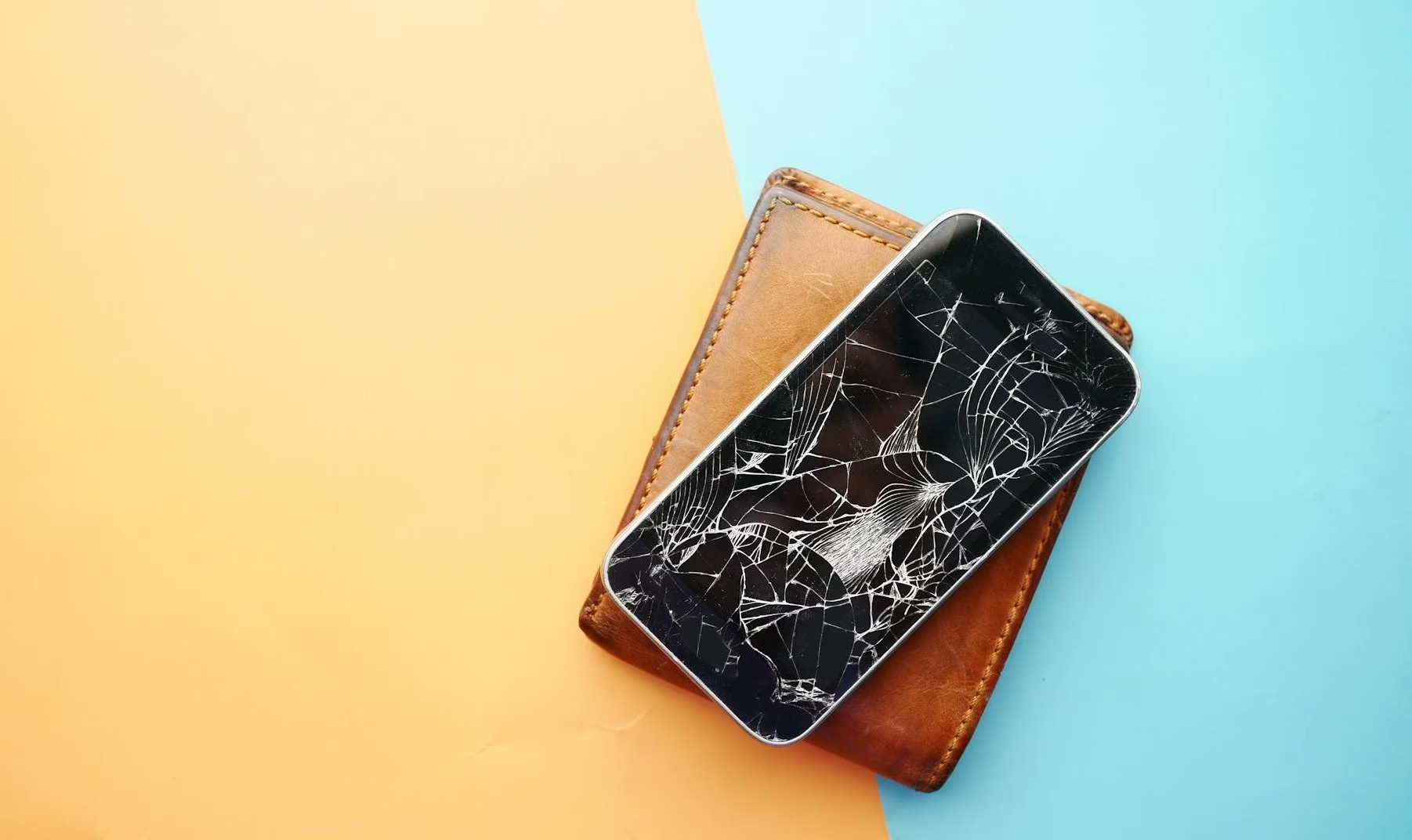
iPhone 16 Screen Repair in Barrie — What It Costs and How Long It Takes
You just cracked your iPhone 16 screen and you want two things — what it…

You’ve tried three cables.
You know you’ve tried three cables because you have three cables now and none of them are working and you’re starting to wonder if you’re cursed.
You tried the cable that came with the phone.
You tried the cable from your laptop bag that you’re pretty sure is good because it works on other things.
You tried the fancy braided one your friend swore by.
None of them charge your Samsung.
Or — more accurately — one of them kind of charges your Samsung if you prop the phone at a specific angle against your nightstand lamp and don’t breathe on it for six hours.
That’s not charging. That’s hoping.
And the answer — as it almost always is — is the port.
Here’s the thing about USB-C charging ports on Samsung phones.
They’re small. They’re used constantly. And they collect more lint, dust, and pocket debris than you’d ever believe until someone shows you under a magnifying light what’s living in there.
Every time you plug in, you’re compressing whatever’s in that port a little further. Over months and years, that debris packs in tight enough to prevent a solid connection. The cable goes in but doesn’t fully seat. You get slow charging, intermittent charging, or no charging at all.
And because the cable technically fits — because it goes in and doesn’t fall out — people assume the port is fine and the cable must be the problem.
So they buy another cable.
Which also doesn’t work.
Because the problem was never the cable.
The other common culprit: the port connector itself gets physically damaged. Samsung phones get dropped. They get sat on. They live in pockets with keys. The USB-C port has small pins inside that bend or break under enough stress, and once that happens, no cable in the world is going to fix it.
If you’re also having trouble with iPhone charging ports in your household, the story is basically identical — ports fail, cables get blamed, people suffer unnecessarily.
Do this right now.
Plug your charger in. Does it feel loose? Does it move around more than it used to? Can you wiggle it side to side with almost no resistance?
That’s a worn port.
A healthy USB-C port should have a firm, positive connection. It should feel snug. If it feels like the cable is just sort of hanging out in there, the port internals are worn and the connection is unreliable.
Now try this: with the cable plugged in, very gently push the cable upward — toward the screen — while watching the charging indicator.
Does it start charging?
That confirms it. The port’s internal contacts are worn to the point where only specific angles create a connection. It’ll get worse from here, not better. And every time you force that angle, you’re wearing the contacts down further.
Sometimes, yes. Actually.
If the issue is debris buildup rather than physical damage, a careful cleaning can restore full charging function. We’re talking compressed air, a soft brush, and patience — not a toothpick and aggression, which is how ports go from “dirty” to “damaged.”
If you want to try it yourself, use a can of compressed air and short bursts at an angle. Don’t jam anything solid in there. Don’t use a SIM card tool. Don’t use your fingernail.
If cleaning doesn’t restore a solid connection, the port itself needs attention — either the debris is too compacted to clear without proper tools, or there’s physical damage underneath.
At that point you’re looking at a Samsung charging port replacement in Barrie rather than a DIY fix.
A few things make Samsungs particularly prone to charging port issues:
They get used a lot. Samsung phones are workhorses. People use them hard, charge them often, and don’t baby them the way some iPhone users do.
USB-C is used for everything. On a lot of Samsung models, the same port handles charging, data transfer, headphone adapters, and DeX connections. More use equals more wear.
The cables are heavier. USB-C cables — especially the fast-charging ones — are often thicker and stiffer than older Micro-USB cables. That stiffness creates more lateral stress on the port every time the phone is moved while plugged in.
Cases can misalign the port. A thick case with a slightly misaligned charging cutout forces the cable in at an angle every single time. Over months, that angle adds up.
If your Samsung supports wireless charging — and most mid to high-end models do — this is a reasonable short-term workaround while you figure out next steps.
It doesn’t fix the port. It just means you’re not dependent on it for daily charging.
The problem is wireless charging is slower, requires you to actually put the phone down (which, honestly, when does that happen), and doesn’t help at all when you need to transfer data or connect to anything.
It’s a band-aid. A useful one. But still a band-aid.
And if your Samsung battery is also starting to show its age — not holding a full charge, draining fast — you’re going to want a proper wired solution anyway, because slow wireless charging on a degraded battery is a bad combination.
Fast charging port repair and replacement in Barrie. No more cable experiments. No more propping your phone against the lamp.
Get a QuoteLess than you’ve spent on cables trying to fix it yourself.
Samsung charging port repair is a relatively straightforward job on most models. The port gets replaced, the connection is restored, and you’re back to normal charging without the ritual of finding the exact right angle.
The cost varies slightly by model — newer flagships like the S23 and S24 series have different port assemblies than older models — but in almost every case, the repair cost is a small fraction of replacing the phone.
Bring it in or give us a call and we’ll give you a quote on the spot. No commitment required.
Worth mentioning: occasionally a Samsung that won’t charge has a software issue rather than a hardware one.
A corrupted charging profile, a rogue app keeping the phone from recognizing the charger, or a failed software update can all cause charging problems that look exactly like a port issue.
The tells: if the phone charges fine on wireless but not wired, and the port looks physically clean and undamaged, it might be worth a factory reset before going the hardware route.
But if the port looks gunky, feels loose, or the phone is completely dead and won’t respond to any cable — it’s the port.
If you’re not sure, bring it in. We’ll figure out which one it is before recommending anything.
Your Samsung not charging is annoying in a specific, persistent, deeply personal way.
Because it’s your phone. It’s always with you. And a phone that charges unreliably is basically a phone that’s slowly becoming useless — one dead-battery panic at a time.
The fix is usually simple. The port gets cleaned or replaced, the phone charges normally again, and you stop having to negotiate with your nightstand lamp every evening.
Charging port repair in Barrie is one of the most common repairs we do — because this happens to everyone eventually, on every brand, and the solution is almost always the same.
Stop buying cables. Fix the port.
Related Posts:
Stop buying cables. The port is the problem and it’s fixable. Fast, honest diagnosis and repair in Barrie.
Book Your Repair