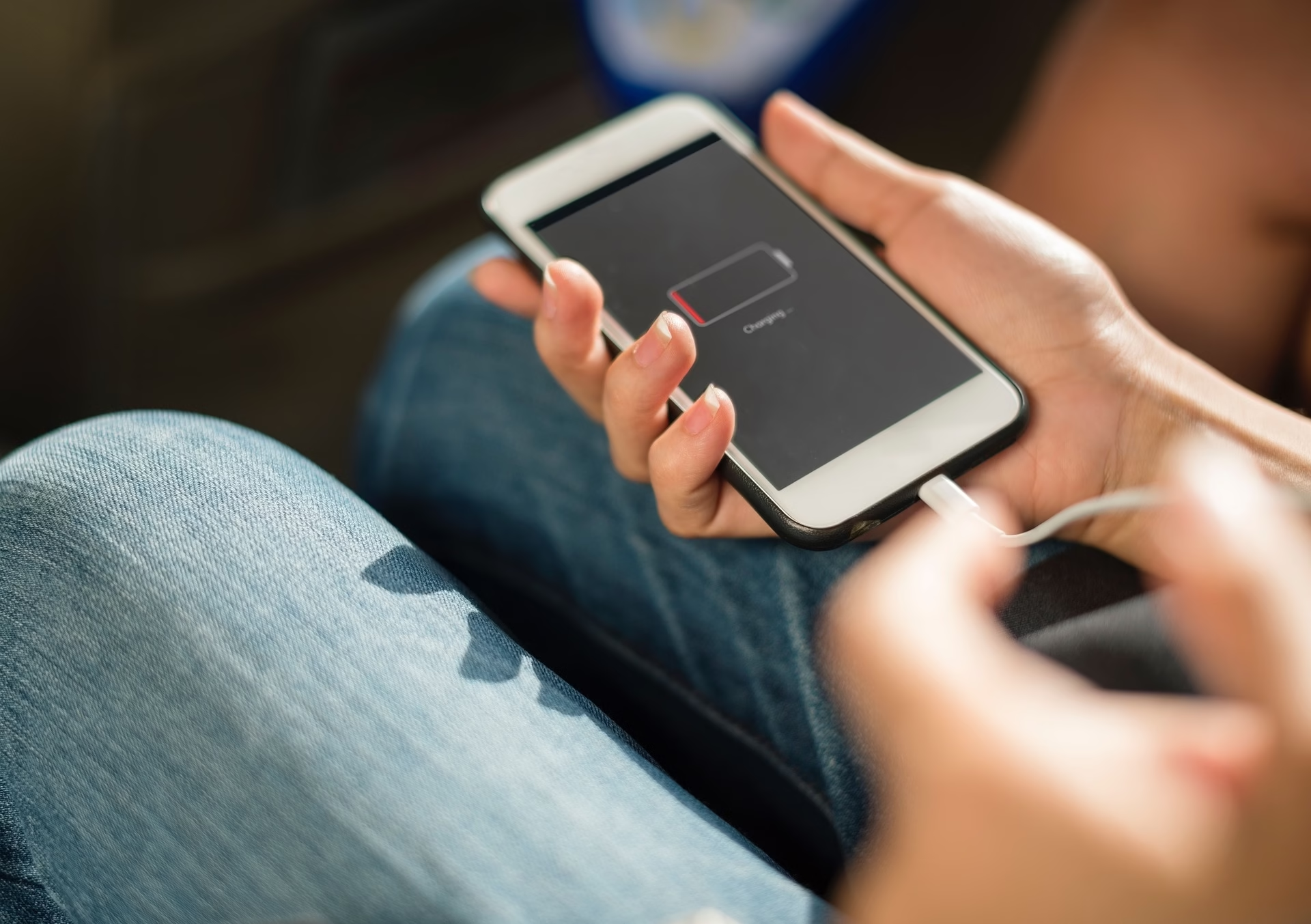
Charging Port vs Battery: The 2-Minute Test That Saves You From Guess-Repairs
If your phone won’t charge, don’t play repair roulette. In two minutes you can usually…

You try to tap one thing, and your phone taps something else entirely. You try to scroll, and it zooms. You try to type “okay,” and it somehow sends “OCTOPUS” to your boss.
If your touchscreen has started behaving like it pregamed mimosas without you, relax. It’s more common than you think — and yes, you can fix a lot of it without yelling at Siri, punching your screen, or hurling it across your Barrie living room.
Your touchscreen works by detecting tiny changes in electrical signals. So when something interferes with those signals — oil from your fingers, heat, cold, dust, or a digitizer that’s slowly giving up on life — your phone starts acting like it’s had one too many.
Common causes:
If the problem is new and random, good news — it’s usually easy to fix. If it’s happening every few minutes… your phone might be waving the white flag.
I know these sound obvious. But you’d be amazed how many “dead” screens revive themselves instantly when you do them.
If one of these fixes it — congrats, you’re a genius.
Your phone prefers your hands Goldilocks-style: not too dry, not too moisturized.
If your fingers are super dry (hello Barrie winters and forced-air heating), you may need a little moisture — not a bucket of lotion, just a tiny bit. If your hands are wet, sweaty, or you just applied hand cream, your phone gets confused quicker than a toddler choosing a Happy Meal toy.
Here’s the truth: touchscreen calibration apps don’t fix touchscreens. They only adjust the software’s expectations of where your touches should land.
These apps help when:
These apps do NOT help when:
If calibration doesn’t noticeably help, your touchscreen is having a hardware moment — and you may want to get it checked. You can reach out anytime here: contact Barrie Screen Repair.
I know. $6 screen protectors from Amazon are tempting. So are 100-pack “deal” protectors from AliExpress.
But cheap film and cheap glass can feel:
Good protectors feel like real glass. Cheap ones feel like you laminated your phone at Staples.
If removing the protector magically fixes everything… the protector was the villain all along.
When a phone goes from warm house → freezing driveway → warm bus → freezing sidewalk → warm Tim’s — the touchscreen goes into shock.
The layers inside the screen contract at different rates, and some phones just can’t keep up.
Symptoms in Barrie’s winter cold:
If your phone only acts weird outdoors, it’s the cold — not the phone — and warming it slowly usually fixes it.
If the touchscreen is still drunk after all the easy fixes, it might be the digitizer — the ultra-thin touch layer bonded to the display.
Signs the digitizer is failing:
Digitizers can’t be repaired separately. The screen must be replaced. If yours is acting possessed, you can check repair options here:
If your touchscreen is ignoring you, lagging, acting confused, or sending chaotic texts on your behalf, you’re not alone. It’s a super common issue — and most cases are fixable with a wipe, reboot, warm-up, or protector removal.
But if none of that works, the digitizer is probably tapping out. You can book a quick diagnostic or message me anytime here: contact Barrie Screen Repair.