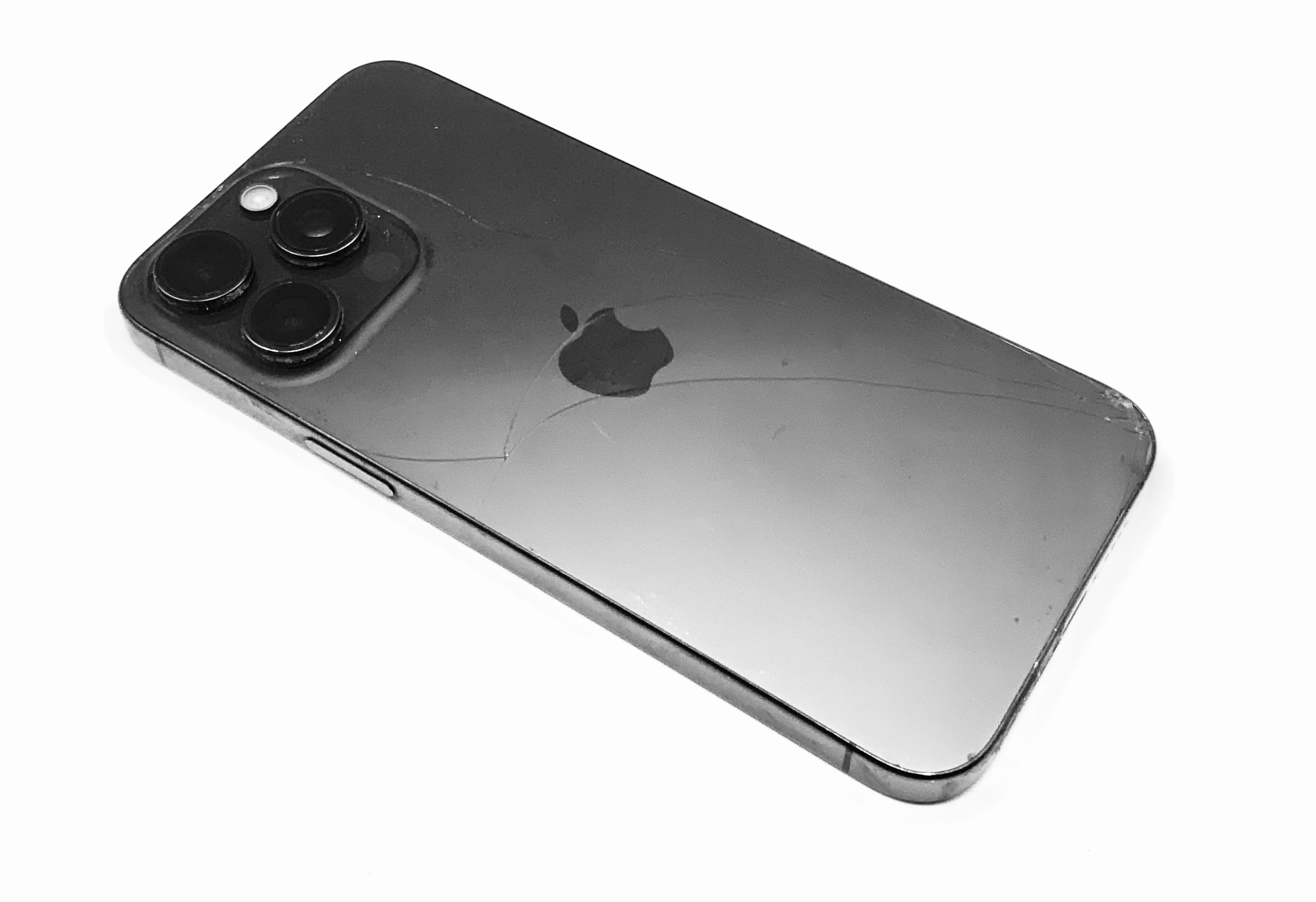
Tiny Township: Cracked Back Glass in Winter Is a Different Kind of Stupid
Tiny Township winter is brutal on phones, especially if your back glass is cracked. Cold…

If your phone screen is flickering, flashing, showing lines, or doing that fun strobe-light thing that makes you feel mildly unwell, you’re probably hoping for one of two answers:
Sometimes that’s true.
Most of the time?
It isn’t.
We get this same call hundreds of times a year, and despite what the internet promises, it’s very rarely a “loose connection.” Here are the real reasons your phone screen is flickering and why only a few of them involve software at all.
OLED screens and LCD screens behave very differently.
OLED displays (common on iPhones, Samsungs, and Pixels):
LCD displays:
If your OLED screen suddenly starts flickering when it never did before, that’s usually physical damage, not a software “glitch.”
Let’s get this one out of the way.
People love to believe their screen connector is “a little loose.”
In reality:
The only time we see loose connectors is when a shop offering the $50 special doesn’t bother putting the covers back over the connections. Then you drop the phone and yes, they can come loose. Is it common? No. Have we seen it? Yep.
But for the vast majority of calls about flickering screens or lines? It’s not a loose connector. It’s almost always the display.
Your screen relies on a display IC to tell it how to behave.
When that chip starts failing:
This isn’t a “reset it” situation. This is electronics failing.
You don’t need shattered glass for the screen to be damaged.
Microfractures inside the panel can cause:
This is why flickering almost always ends up needing screen repair, even when the outside looks “fine.”
And if you just dropped your phone and now it’s flickering or showing lines… the faster you accept that, the faster we can be realistic and fix it.
Burn-in causes:
It does not cause flickering.
So if your screen is flashing, pulsing, or showing lines, burn-in isn’t the issue.
Software can cause flicker in a few cases:
But if you’ve already restarted and it keeps happening, resets rarely fix it long-term. They just delay the reality check.
We see patterns, and they’re not exciting.
Different logos, same heartbreak.
If you dropped your phone and then the screen started flickering or showing lines, that’s not Apple “gaslighting you.” That’s damage.
Sometimes it’s hard to accept because phone repairs aren’t a treat. Nobody smiles handing over cash for this like it’s chocolate-covered deep-fried Twizzlers.
But if you’re using your phone for million-dollar business deals (yes, we’ve helped with that) or you’re Grandma trying to call your little grandson Beckett who turned 3 over Christmas… this isn’t optional. It’s how your life functions.
For flickering screens, lines, or flashing displays:
Almost 100% of the time, it’s the screen.
Sure, exceptions exist.
But like the other 30 people who called with the same symptoms thinking they were the exception… hint: they weren’t.
We don’t do miracles, and we don’t want to waste your time with “maybe it’ll fix itself” optimism when the fix is physical.
If you want a rough idea of cost right away instead of wasting time driving around just to be told the same thing in person, start with the contact page and we’ll give you a realistic answer fast.