Charging Port vs Battery: The 2-Minute Test That Saves You From Guess-Repairs
If your phone won’t charge, don’t play repair roulette. In two minutes you can usually…

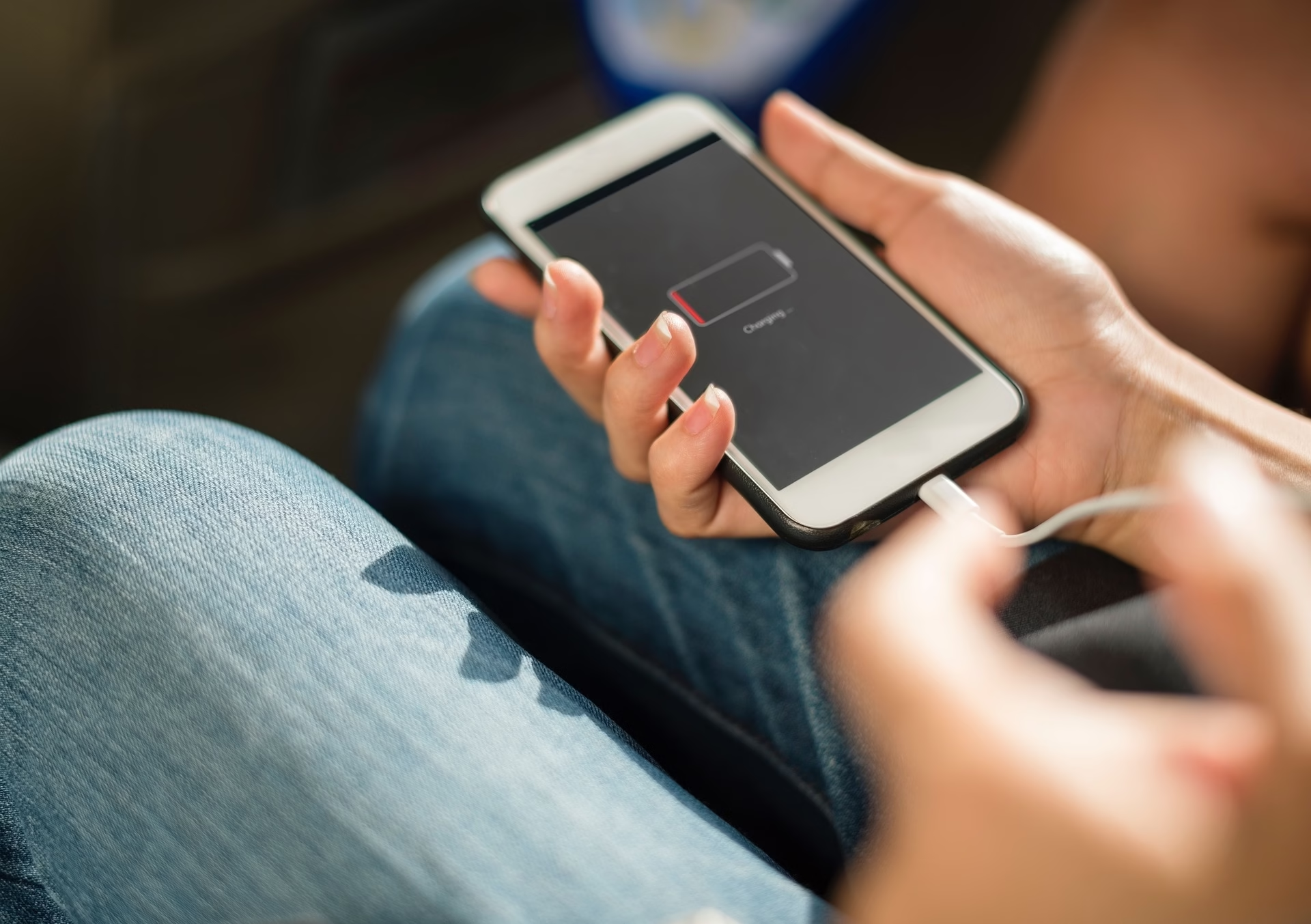
You’re at 1%.
You plug it in. Nothing.
No satisfying buzz, no lightning bolt, no salvation.
You stare at it like, “Are you kidding me right now?”
You blow into the port like it’s a Super Nintendo cartridge from the 90s. Still nothing.
Before you panic-buy a new charger, a new phone, and maybe a new personality, let’s take a breath.
Your iPhone isn’t dead — it’s just being dramatic.
Let’s run through five fixes that actually work (and yes, one of them involves lint).
Let’s start with the obvious: sometimes, it’s not your iPhone — it’s your crusty old cable that’s seen more twists than a Netflix crime series.
Take a good look.
If your Lightning or USB-C cord looks frayed, bent, or like your dog’s been using it as a chew toy, retire it with honor.
No, taping it with electrical tape doesn’t make it “good as new.”
Now look at the charging brick.
Is it an Apple-certified one or that random cube that came free with a selfie stick in 2017?
Cheap adapters deliver power about as reliably as a politician’s promise.
Finally, test the outlet. Plug in a lamp, a hair dryer, or your will to live — just make sure it actually has power.
You’d be amazed how many people book charging repairs when their wall socket was the real villain.
Still no dice?
Move on — it’s time to go spelunking into the forbidden cave: your charging port.
That tiny hole at the bottom of your phone collects lint like it’s running a side hustle in dust bunnies.
Every hoodie pocket, purse, or car cupholder adds a little more until one day your cable can’t seat properly.
You plug it in, it “clicks,” then… nada.
You jiggle it, whisper sweet nothings, maybe pray to Steve Jobs — still nothing.
🧽 Here’s the fix:
If a small grey dust-ball falls out, congratulations — you just saved yourself a repair bill.
Plug it back in. If it snaps in solidly and starts charging, you’re golden.
Still flaky? It might be corrosion or a damaged port. That’s when you let us do the dirty work.
We handle charging-port cleanings and replacements daily at Barrie Screen Repair — no judgment, even if your port looks like a dryer vent.
Sometimes your iPhone’s hardware is fine — it’s just mentally checked out.
Try a force restart first:
Still lifeless? Enter DFU Mode (Device Firmware Update). It’s like a detox retreat for your phone’s software.
You’ll need a working cable (see Step 1) and a computer. Connect your iPhone, open Finder / iTunes, and follow Apple’s DFU instructions to reinstall the firmware.
If the idea of running “firmware updates” sounds about as fun as dental surgery, skip the stress — our techs at Barrie Screen Repair can do it for you while you grab coffee.
If your phone only charges when you bend the cord just right, or it gets hot enough to toast bread, we’re entering “logic-board problem” territory.
Charging issues can come from:
If your iPhone’s battery drains faster than your patience and refuses to recharge properly, it might be time for a professional battery swap.
We handle battery replacements in Barrie every day using high-quality parts — not knock-offs that die before your next iOS update.
If your battery’s clearly on its last legs (random shutdowns, charge stuck at 1 %, feels hotter than your laptop fan), read our guide on the signs you need a new iPhone battery — it’ll save you from guessing games.
And when in doubt?
Come see us — we’ll test the battery and logic board before you spend a dime.
Here’s the most anticlimactic truth: if your phone is totally dead, it might just need time.
A completely drained lithium battery often needs 10–20 minutes plugged in before it even pretends to wake up.
People plug it in, wait 60 seconds, then dramatically declare, “It’s dead forever.”
Nope — it’s just in low-power hibernation.
So plug it in and go live your life for a bit.
Make coffee, stretch, stalk your ex on another device — whatever works.
If, after 15 minutes, your iPhone’s still flatter than a pancake, it’s not patience you need — it’s a repair.
Bring it to Barrie Screen Repair and we’ll check the battery, board, and port while you wait.
Look, we love Apple, but their “Genius Bar” is basically an audition for Survivor.
You’ll book three weeks out, show up on time, and they’ll still say, “We recommend buying a new iPhone.”
Or… you can walk into our shop, say, “It won’t charge,” and we’ll actually fix it.
Same-day in most cases. Real humans. No appointments. No judgment.
We’ve repaired iPhones that were soaked in coffee, stuffed with lint, dropped off construction scaffolding, and one that literally arrived taped to a portable charger (desperation level 9000).
If yours has power issues, we’ve seen worse — and we’ll get it working again fast.
So yeah, be your own “inner electrician” — check the easy stuff first.
But when your phone’s more stubborn than a toddler on screen-time detox, come see the pros.
⚡ Book your repair here — we’ll have your phone back to full bars before you can say “low battery.”