Your iPad Screen Is Cracked and the Battery’s Dying. Is It Worth Fixing in Barrie?
Your iPad has a cracked screen you've been ignoring for three months and a battery…

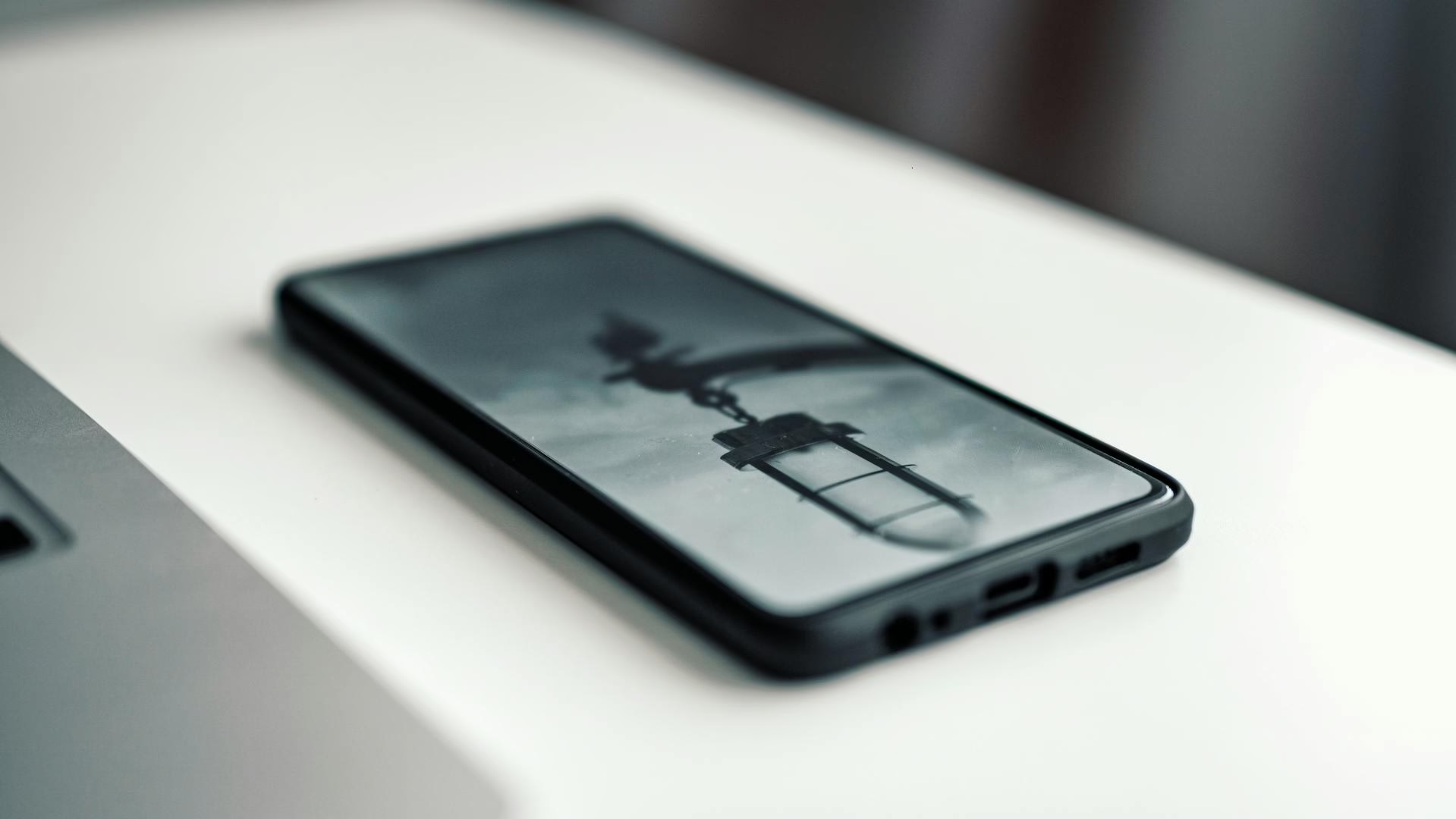
Your phone won’t charge.
You wiggle the cable.
You flip it.
You hold it at a 27-degree angle like you’re cracking a safe.
It works… if you don’t breathe on it.
So you assume:
“The charging port is broken.”
Maybe.
But most of the time?
It’s not broken.
It’s disgusting.
Let’s walk through what’s actually happening inside that tiny port — and when you’re dealing with lint vs. real damage.
If you keep your phone in your pocket, congratulations. You’ve been slowly stuffing your charging port with fabric dust.
Lint compacts over time. Every time you plug your cable in, you compress it further.
Eventually:
And you think the port failed.
What’s really happening? The cable isn’t reaching the contacts because lint has built up into a dense little floor inside the port.
If you want a deeper breakdown, this guide on charging port full of pocket lint explains exactly how it happens.
Before assuming the worst:
If yes — odds are high it’s debris, not damage.
If you’re going to attempt cleaning:
✔ Use a wooden toothpick
✔ Gently scrape along the bottom
✔ Avoid stabbing the center
✔ Do not use metal tools
✔ Do not blow compressed air aggressively
If a surprising amount of lint comes out, you just solved it.
If it still doesn’t charge properly, keep reading.
Here’s when things move from “gross” to “repair.”
If your phone has been exposed to:
Moisture can corrode the charging pins.
Symptoms:
Corrosion doesn’t fix itself. It spreads.
If someone jammed a cable in upside down or forced debris out with a metal tool, the internal pins can bend.
Once bent:
This is no longer a cleaning job.
On some models, the charging port is part of a larger dock assembly.
If dropped repeatedly, you may get:
That’s when proper charging port repair in Barrie makes sense.
If your phone only charges when:
You’re dealing with one of three things:
If cleaning doesn’t solve it immediately, it’s likely hardware.
Lightning ports wear over time. Especially if:
If you have an iPhone and cleaning doesn’t restore a firm click, you may need iPhone charging port repair.
Stop DIY attempts if:
At that point, further poking can cause more damage.
Metal tools inside a charging port are how small problems become big ones.
Usually, yes.
Charging port repair is often far cheaper than replacing a phone.
Especially if:
A simple port repair restores full usability.
Ask yourself:
Did it slowly get worse over time?
Did it start charging intermittently?
Did it require “just the right angle”?
If yes — it likely didn’t die suddenly. It got dirty or worn gradually.
And that’s fixable.
Many people ignore the early symptoms:
Until one day it stops completely.
If your port is acting up, deal with it before you’re at 2% battery and bargaining with physics.
You can always get a proper diagnosis or ask a question here:
👉 Contact Barrie Screen Repair
Most “broken” charging ports are just filthy.
Until they’re not.
Lint is common.
Corrosion happens.
Pins bend.
Dock assemblies loosen.
The key is knowing which one you’re dealing with — before you turn a cleaning job into a board-level repair.
If it doesn’t click like it used to, don’t ignore it.
Ports don’t magically fix themselves.
They either get cleaned… or get replaced.
If cleaning didn’t restore a firm “click,” you may be dealing with corrosion, bent pins, or a loose dock assembly. Get a fast diagnosis and reliable charging again.
Book Charging Port Repair