Alliston: Your iPhone Screen Is Cracked and the Nearest Apple Store Is an Hour Away.
You cracked your iPhone screen in Alliston and your options feel lousy — drive 45…

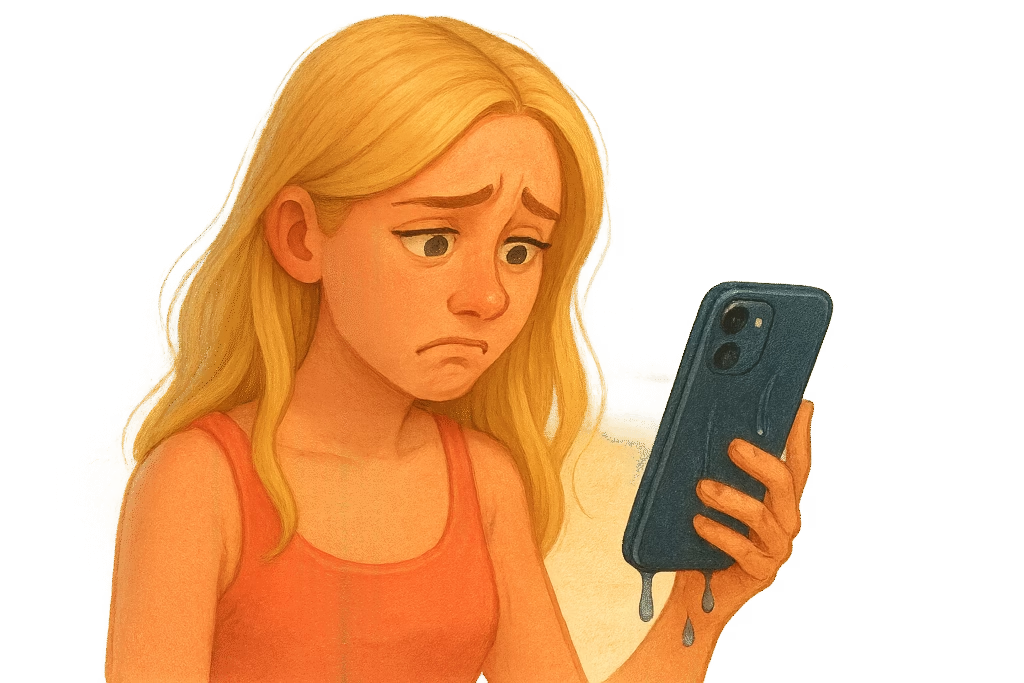
So, you did it. You lived the ultimate smartphone nightmare. One second you’re minding your own business, texting away, maybe balancing your iPhone on the edge of the bathtub for that perfect playlist, and PLOP! – your phone takes a surprise vacation underwater. Cue the slow-motion reach, the Olympic dive into the pool (fully clothed), or the panicked scream that echoes in the bathroom stall. Whether it’s a toilet (yep, it happens), a swimming pool, the beach waves, or – why not – a giant glass of Pinot Noir, dropping your iPhone in water feels like a tragicomedy of errors. In the grand pantheon of “Oh no!” moments, the sight of your beloved phone doing the backstroke ranks up there with sending a regrettable late-night text. Deep breaths. Let’s walk through this aquatic mishap together with a wink, a laugh, and some actually useful advice.
First, let’s acknowledge the drama. You’re not the only one who’s watched their phone disappear into watery oblivion – far from it. It’s practically a rite of passage in the digital age. In fact, about 11% of smartphones meet their untimely end by drowning each year. (If there were a smartphone afterlife, a lot of them would have “death by water” on the certificate.) Think of all the ways it happens: slipping from your back pocket into the toilet, getting knocked off the table into a puddle, left in your pocket as you cannonball into a pool, or falling victim to a rogue ocean wave during that beach selfie. It’s a universal slapstick horror story.
And yet, when it happens to you, it’s uniquely tragic. Your heart skips a beat. Time slows down like a cheesy movie scene. You might even emit a sound that only dogs can hear. One minute you’re scrolling memes, the next minute your phone is doing its own Titanic impression at the bottom of the sink. If your life had a soundtrack, this is where the dramatic violins would swell.
Maybe you’re experiencing the especially embarrassing version of this crisis: the public drop. Perhaps it slipped out of your hand and plunked right into your friend’s soup bowl at dinner, or nosedived off the boat dock into the lake while you were perfecting your fishing selfie. If it fell in the toilet, there’s the added bonus of deciding just how much you love that phone (enough to go bobbing for it? We won’t judge… well, maybe a little). Wherever it happened, you likely went through the five stages of grief in five seconds: denial (“Nah, it’s probably fine, phones are waterproof now, right? Right?!”), anger (“Stupid phone! Or stupid me!”), bargaining (“Please work, please work, I’ll never take you for granted again…” presses power button furiously), depression (that sinking feeling as you hold a dripping, unresponsive device), and finally acceptance (“Okay, this is actually happening. What now?”).
Good news: it’s not completely game over yet. You have a narrow window to play phone paramedic and possibly save its life. But before we jump into hero mode, let’s make sure you don’t accidentally make things worse.
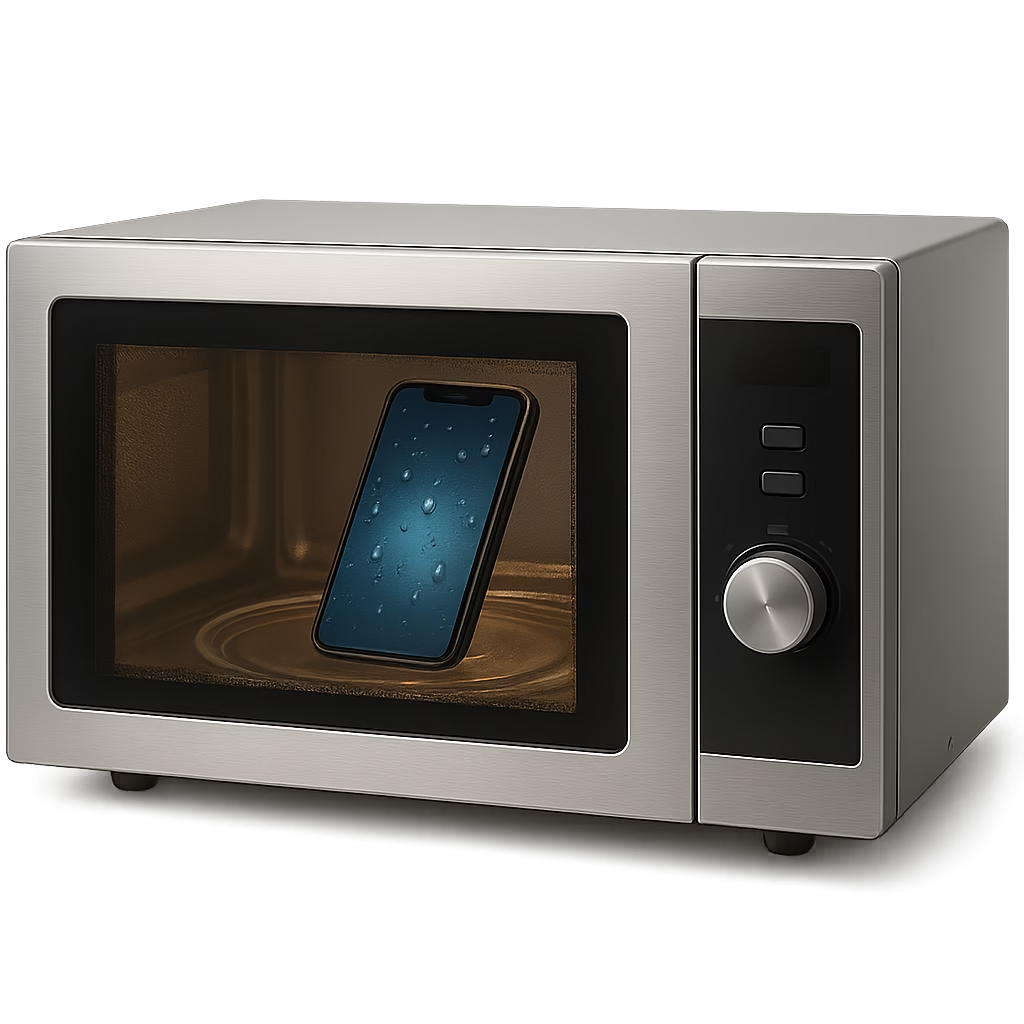
🚨 PSA: If your first instinct is to Google “microwave my iPhone,” please put down the phone and walk away slowly. You’re not reheating lasagna—this is not that kind of emergency.
When panic strikes, humans do some interesting things. There are a lot of bad ideas floating around out there for fixing a waterlogged iPhone. Let’s debunk those right now, while injecting a little common sense back into the situation (and hopefully a chuckle, because you need one).
In short, panic is not a strategy. Don’t do anything drastic or dumb. Your phone’s fate hangs in the balance, and our goal is to improve its chances, not audition for a viral “phone drying fail” video. Now that we’ve got the “what NOT to do” out of the way (seriously, did we mention no microwaves? Just checking), let’s focus on the proactive steps to actually help your poor, soggy device.
💁♀️ Fun fact: Your phone isn’t going to prom. It doesn’t need a hot air makeover—it just wants to survive.
Alright, rescue ranger, it’s go time. Your phone’s been for a swim, and every second counts in this mission. Here’s exactly what to do, step by step, to maximize the odds of saving your iPhone (with a side of humor to keep you from crying). Consider this your emergency checklist – clip it out and put it on your fridge (or you know, memorize it, because printing out a blog post is so 2005).
Your phone isn’t a soufflé—you don’t need to check if it’s risen. Every time you peek, the ghost of Steve Jobs sighs deeply.
By following the above steps, you’ve done about as much as any reasonable (and slightly hysterical) person can do to save a Drowned iPhone. Notice that none of these steps involved a grain-based intervention or a hair appliance. There’s a reason for that – and yes, we’re finally going to talk about the famous rice trick and other so-called remedies you’ve probably heard of.

Ah, the infamous bag of rice trick. No discussion of wet phones is complete without it. If folklore is to be believed, uncooked rice can resurrect a soaked phone like a bowl of Uncle Ben’s voodoo. It’s the most passed-around tip on the internet and at every family gathering where someone drops a device: “Just chuck it in rice!” People talk about rice as if it’s imbued with magical phone-healing powers. Time to call this out for what it is: a well-intentioned myth that needs a gentle (or not so gentle) mocking.
The idea behind rice is that it’s a desiccant – something that absorbs moisture. Sure, rice will eventually soak up some water if you leave it in long enough, because it’s dry and porous. And years ago, when smartphones were less water-resistant and we had fewer options, someone probably tried it and got lucky. The story spread like urban legend. It sounds plausible, right? Rice = dry, phone = wet, put them together and… dryness ensues! If only. In reality, stuffing your iPhone in rice is not the miracle cure it’s cracked up to be. Even tech companies have officially debunked it. Apple itself basically pooh-poohs the rice idea on its support site now, warning that tiny rice grains can get stuck in your phone’s ports and do more harm than good. Think about it: as rice absorbs water it gets mushy, and you could end up with rice paste jammed in your charging port – a whole new problem!
🥴 Rice isn’t a magical sponge, it’s just a dinner ingredient. Your phone’s not a sushi roll—don’t marinate it.
To put it bluntly, independent tests haven’t shown rice to be any more effective at drying out a phone than just leaving the phone out in the open air. In fact, plain air might even be better. One tech writer joked that the biggest benefit of rice is that it discourages you from fiddling with the phone – since it’s out of sight in a bag of rice – giving it time to dry. That’s about it. If you really want to use something to suck up moisture, there are superior options (more on that in a second).
Now, I’m not going to lie: before I knew better, I tried the rice trick myself. My old flip phone once took a dive into a cup of Coke (don’t ask), and in my desperation, I dumped it into a Tupperware of basmati for two days. Did it turn on afterward? Miraculously, yes – but the poor thing sounded like it had Coke and rice krispies permanently crunching around inside it. And the screen had lovely brown sugar stains. Lesson learned: rice is for making stir-fry, not phone repair.
What about other “home remedies”? People are creative (or just really desperate) when it comes to saving their gadgets. Here are a few you might have heard, and the reality check on each:
And finally, circle back to rice for a moment: I get it, rice is accessible, it feels proactive, and everyone and their grandma suggests it. If after all my mockery you still really want to try rice, I can’t physically stop you. It likely won’t hurt (aside from the aforementioned risk of rice grains in your phone’s nose), but it’s also not proven to significantly help. At best, it might absorb surface moisture. At worst, you’ve wasted time that could have been spent actually airing the phone out – or you end up with rice bits jammed in your charging port. Given that even Apple officially says “nope” to rice nowadays, I’d trust the folks who literally designed your phone on this one. So maybe use that rice to cook yourself a comfort meal instead – you know, to cope with the stress.
By now, you’re hopefully either seeing the Apple logo light up again (hallelujah!), or you’ve made peace with the possibility that your phone might be on an extended vacation in Device Heaven. Whichever way it plays out, there’s a big takeaway from this whole ordeal, and I’m going to put on my Mom voice for a second: BACK. UP. YOUR. DATA. Seriously. Let this near-death experience be the trauma that finally convinces you to use iCloud, or Google Drive, or whatever cloud/back-up system floats your boat. Because nothing sobers you faster than the thought of losing all your photos, contacts, and that note you’ve kept for two years with your best ideas (and/or passwords… tsk tsk).
Think about it: if your phone had been fried for good, what would you miss most? The 5,000 baby pictures of your kid? The epic video of your dog chasing a squirrel on water skis? Your digital Rolodex of every person you’ve ever met? These things are precious. But they don’t have to live (and die) on one device. We have this magical thing called the cloud now. Use it! It’s like an insurance policy for your memories and important info.
If you’re an iPhone user, turning on iCloud Backup is a few taps away (Settings > [your name] > iCloud > iCloud Backup > toggle it on). Do it, do it, do it. I know, you might have to pony up a couple bucks for extra storage if you have a ton of data – consider it the cheapest therapy against phone-related anxiety you’ll ever buy. Alternatively, back up to your computer via iTunes/Finder regularly. Heck, do both, for redundancy. If you’re on Android, you have Google’s backup options, or Samsung Cloud, etc. – no excuses there either.
Your camera roll doesn’t have to die with your phone. iCloud isn’t just a shady pop-up on your screen—it’s your digital life raft.
I’ll admit, I used to be lazy about backups too. Then one day, a few years ago, I dropped my phone in a port-a-potty (this is my personal horror story – feel free to laugh and gag at the same time). That phone was a goner (I was not about to attempt a rescue from the depths of that horror, nope, R.I.P.). In that moment, standing there in sheer disgust and despair, I realized all my photos from a recent trip were on that phone, not backed up anywhere. I ugly cried like someone in a sad Hallmark movie. Lesson learned under extreme circumstances. Now, I have iCloud, Google Photos, Dropbox – you name it, I back it up in at least two places. Don’t wait until you’re phone-less and sobbing to appreciate the beauty of a backup.
Another angle: this might be the push you needed to enable that fancy “Find My iPhone” feature and other safety nets. Not that it helps a wet phone directly, but if you had lost your phone in the ocean (honestly, if it’s in the ocean, it’s probably sleeping with the fishes permanently, but humor me), you’d at least be able to track its last location or wipe it remotely so no mermaid hacks your Instagram. Always good to set these things up before disaster strikes.
And while we’re in lecturing mode: consider investing in a water-resistant phone case or pouch if you’re a known klutz or frequently around water. There are some pretty solid waterproof cases out there that can keep your phone dry even if you drop it in the pool. Yes, it adds bulk and yes, it’s not “cool” to have a chunky case – but neither is pulling a soggy phone out of a cup of Starbucks. If you enjoy long walks on the beach (with your phone in hand for those sunset pics), maybe slap a waterproof case on it. At the very least, one of those floating waterproof pouches for when you’re literally on a boat or at the lake could save you from diving practice.
Finally, if your phone does survive this ordeal, take it as a sign. Perhaps the universe (or the tech gods) are telling you to be a bit more mindful. Maybe put the phone down when you’re anywhere near water. Create a new habit, like always placing your phone far from the sink when brushing your teeth (what, doesn’t everyone scroll during the 2-minute brushing routine? Just me?). Or never ever ever putting your phone in your back pocket when going to the bathroom – because toilets love phones, apparently.
And if your phone didn’t make it – first, my condolences, that truly sucks. But second, hey, you get to go phone shopping! Silver lining? You could consider getting a model with a better water resistance rating this time. Many newer phones boast IP67 or IP68 water resistance (translation: they can handle a dunk in 1-2 meters of water for up to 30 minutes). It’s not a license to go scuba diving with your iPhone, but it’s nice peace of mind for the next oopsie. Just remember, water-resistant is not the same as waterproof, and it definitely doesn’t mean warranty-covered (Apple’s warranty, for instance, does not cover liquid damage, even on water-resistant iPhones – they’ll literally peek at an internal sensor to check if you got it wet). So treat “water-resistant” as “water-hopefully-okay-but-don’t-push-it.”

In the heat of the moment, dropping your phone in water feels like the end of the world (or at least the end of your social life, your work life, and that Wordle streak you had going). But here you are, alive and possibly phoneless for a day or two, and it turns out life goes on. With any luck, you’ve managed to save your device by acting quickly and not doing anything crazy. Maybe your phone will emerge from this ordeal a little war-torn but ultimately fine. Maybe it’ll have some quirky new issues (water damage can do weird things – perhaps your speakers now sound like a kazoo). Or maybe you’ll be making an appointment at the Apple Store, rehearsing your best “I have no idea how it got wet” face.
Whatever the outcome, cut yourself some slack. It happens to the best of us. I wasn’t kidding when I said it’s basically a modern rite of passage. You’re in the club now! Next time you gather with friends, someone will share a “I dropped mine in the pool” story, and you’ll get to go, “Oh yeah? Hold my rice. Let me tell you about the time mine took a swan dive into the toilet.” Your tale of woe will get laughs, groans, and ultimately nods of understanding. Because we’ve all either been there or had a near miss that made our hearts skip a beat.
If nothing else, this fiasco might have taught you a few things: how to stay cool in a mini-crisis, the importance of backups (nag, nag, I know), and which of your friends is the one to call in an emergency (hint: it’s the one who calmly reminded you to turn it off and dry it, not the one who shouted “RICE!!” and ran to grab Uncle Ben’s). You’ve also earned the right to be a bit smug next time someone else freaks out over a wet phone. You’ll be the wise sage saying, “Alright, here’s what we’re gonna do,” while you secretly relish not being the panicky victim this time.
In a weird way, these tech mishaps give us stories that bring us together. Years from now, when phones are neuro-linked implants (and oh gosh, I hope those are waterproof), you’ll laugh about how we once upon a time had to save our gadgets from drowning. You’ll tell your grandkids, “Back in my day, I once dropped my iPhone in a glass of wine. And you know what I did? I gave it a rice bath! We really thought that would work! Ha!”
So take heart. You and your phone have been through a lot – a literal baptism by water. If it survives, awesome. If it doesn’t, well, you’ve got one heck of a cautionary tale and a solid excuse to upgrade. Either way, you’ve learned some handy info and hopefully had a few laughs at the absurdity of it all.
Now go forth and be careful with that new or newly-revived phone! May your future baths be relaxing, your pools fun, your drinks refreshing, and may no electronic device of yours ever do a dive bomb again. But if it does, you know what to do (and what not to do) – and you’ll live to tell the tale, with maybe a little chuckle afterward.
Stay dry, my friend, and good luck and contact us if you dropped your phone in water!